Why Your Organization’s Data Cannot Be Pasted Here
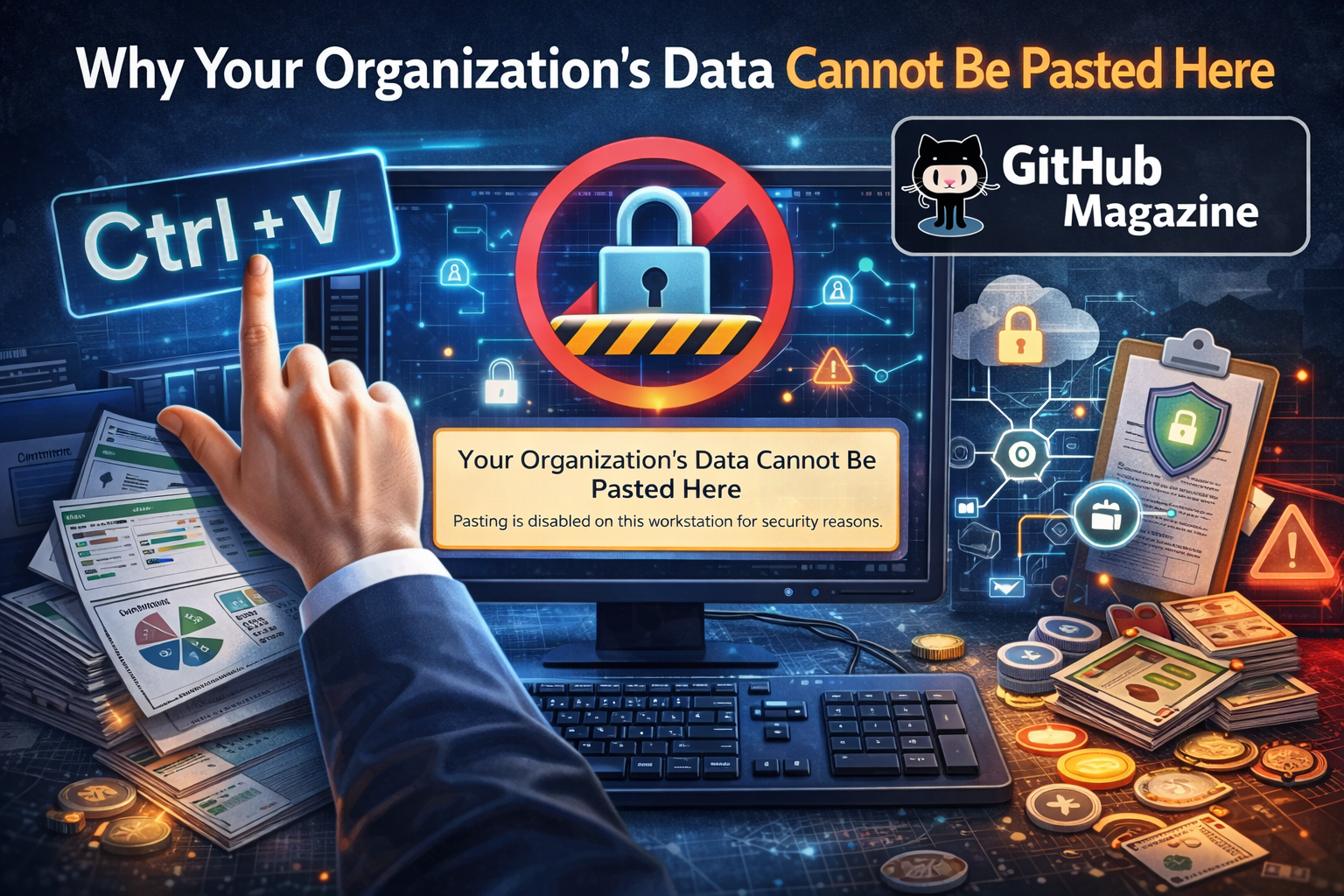
I have seen this message appear in the middle of busy workdays more times than I can count: “Your organization’s data cannot be pasted here.” It interrupts momentum, halts a task, and forces a pause. But the message is not random, and it is not a glitch. In most cases, it is the result of corporate data protection policies that restrict how sensitive information moves between applications and devices. These controls are designed to prevent confidential company data from being copied into unauthorized apps, unsecured environments, or personal accounts.
In the first hundred words, here is what you need to know: this message appears because your company has implemented security systems such as Data Loss Prevention, Mobile Application Management, or endpoint protection policies that block copy and paste actions between managed and unmanaged environments. The goal is to reduce the risk of data leaks, protect intellectual property, and comply with privacy regulations.
As organizations adopt hybrid work, cloud services, and bring-your-own-device policies, protecting information has become more complex. Blocking certain clipboard actions may feel restrictive, but it reflects a broader shift toward zero trust security and strict governance. In this guide for Git-HubMagazine.com’s Cybersecurity category, I explore what this message means, why it exists, how it is enforced, and how companies can strike a balance between safeguarding data and enabling productivity.
What the Message Really Means
When a system displays “your organization’s data cannot be pasted here,” it is enforcing a rule about how data is allowed to travel. The clipboard, which once functioned as an invisible convenience tool, becomes a monitored channel in corporate environments. If you copy text from a protected application such as a corporate email client, CRM platform, or internal document system, the system checks where you are attempting to paste it.
If the destination app is not managed by the organization or does not meet security requirements, the paste action is blocked. This typically happens when users attempt to move data into personal note-taking apps, public messaging platforms, or unmanaged browsers.
The restriction is not about limiting employees arbitrarily. It is about reducing the likelihood that confidential data leaves controlled systems. Intellectual property, customer records, financial forecasts, and health information represent serious liabilities if exposed. By stopping the transfer at the clipboard level, organizations prevent accidental leaks that could otherwise occur in seconds.
The Rise of Data Loss Prevention in Modern Workplaces
The modern workplace operates across laptops, smartphones, tablets, and cloud platforms. In this environment, traditional perimeter security is no longer enough. Data Loss Prevention systems, often abbreviated as DLP, emerged to monitor and control how information moves.
DLP tools classify data based on sensitivity. They can identify patterns such as credit card numbers, national identification numbers, internal project codes, or confidential labels embedded in documents. When a user attempts to copy this data into an unauthorized environment, the system intervenes.
The growth of DLP aligns with stricter global data privacy expectations. Organizations are required to demonstrate that they have taken reasonable steps to protect sensitive data. Clipboard restrictions are one visible example of those protective measures.
What used to be an open digital highway is now segmented into secure lanes. The system decides whether your action fits within approved policy, and if it does not, the paste is blocked.
Mobile Application Management and Device Control
In addition to DLP, many organizations deploy Mobile Application Management systems. These tools are particularly important in hybrid and remote work models, where employees use personal devices to access company data.
Mobile Application Management separates corporate data from personal data on the same device. Applications are categorized as managed or unmanaged. Managed apps can exchange corporate information with each other, but unmanaged apps cannot receive it.
For example, copying content from a corporate document app and attempting to paste it into a personal messaging app triggers the restriction. The system enforces a boundary between business and personal spaces, even if both exist on the same phone or laptop.
This approach protects organizations without requiring full control over personal devices. It also supports bring-your-own-device strategies while preserving compliance and governance standards.
Why Organizations Cannot Ignore Data Governance
Data governance is not optional. Businesses today operate under intense scrutiny regarding how they collect, store, and share information. Customer trust depends on responsible handling of personal data, and regulators increasingly demand accountability.
Clipboard restrictions may seem small, but they are part of a broader governance framework that includes encryption, identity management, access controls, and monitoring.
In sectors such as healthcare, finance, and legal services, the stakes are particularly high. A single accidental paste into an unsecured application could expose protected health information, financial details, or confidential legal communications.
Companies implement restrictions not because they distrust employees, but because risk management requires systemic safeguards. Security architecture must assume that human error is possible and build protections accordingly.
The Tension Between Security and Productivity
As someone who has worked inside secure corporate environments, I understand the frustration these messages can create. You are trying to finish a task quickly, and suddenly you cannot transfer a simple paragraph from one application to another.
Security teams constantly face a difficult balancing act. Too few controls leave the organization vulnerable. Too many controls slow down workflows and cause employee dissatisfaction.
The best organizations do not rely solely on blocking actions. They provide secure alternatives. Instead of copying data into personal tools, employees are encouraged to use approved collaboration platforms with encrypted sharing and controlled access.
When secure systems are well designed and intuitive, productivity does not suffer significantly. Friction arises when communication and training lag behind policy enforcement.
Practical Solutions for Employees
If you encounter this message regularly, there are practical ways to adapt without compromising security.
First, identify approved collaboration tools within your organization. These platforms are configured to allow secure data sharing.
Second, avoid attempting to bypass restrictions. Circumventing security policies can violate company rules and create serious compliance risks.
Third, if a legitimate business need requires transferring data into a specific application, consult your IT or security team. Policies can sometimes be adjusted or exceptions granted when justified.
Understanding that the restriction is a protective measure rather than a malfunction helps reframe the experience. It shifts the mindset from annoyance to awareness.
Corporate Risk Landscape and the Cost of Breaches
The financial and reputational impact of data breaches has grown significantly in the last decade. Organizations invest heavily in preventative security measures because reactive recovery is far more costly.
Data breaches can result in regulatory penalties, customer lawsuits, loss of investor confidence, and long-term brand damage. Even a minor leak can escalate if sensitive information spreads rapidly through digital channels.
Blocking clipboard transfers reduces one common pathway for accidental data exposure. It is not a complete solution, but it forms part of a layered defense strategy.
Security architecture operates on the principle of defense in depth. Multiple small controls collectively reduce the probability of a catastrophic event.
Types of Data Controls in Enterprise Systems
| Control Type | Purpose | Example Implementation |
|---|---|---|
| Data Loss Prevention | Prevent unauthorized data movement | Clipboard monitoring and classification |
| Mobile App Management | Separate work and personal app environments | Managed app ecosystems |
| Encryption | Protect data at rest and in transit | Encrypted email and storage |
| Access Control | Restrict who can view or edit information | Role-based permissions |
| Zero Trust Policies | Verify every access request | Multi-factor authentication |
Each layer reinforces the others. Clipboard restrictions operate within this ecosystem rather than as a standalone feature.
Regulatory and Compliance Drivers
| Regulation Type | Focus Area | Influence on Clipboard Controls |
|---|---|---|
| Data Privacy Laws | Personal information protection | Increased monitoring of transfers |
| Financial Regulations | Confidential transaction records | Strict movement restrictions |
| Healthcare Regulations | Patient data security | Mandatory access limitations |
| Corporate Governance Standards | Risk mitigation | Formalized data handling policies |
Organizations facing strict compliance requirements cannot afford unmonitored data movement. Paste restrictions help demonstrate proactive security controls during audits and reviews.
Expert Perspectives on Data Protection Culture
Security professionals often emphasize that technology alone cannot protect organizations. Culture plays a vital role.
One cybersecurity analyst explained that effective data protection requires systems that anticipate human behavior rather than rely on perfect compliance. Blocking certain actions is part of designing for real-world conditions.
Another enterprise security consultant noted that restrictions at the clipboard level significantly reduce accidental data leaks in hybrid work environments.
A governance specialist highlighted that transparency is key. When employees understand why policies exist, they are more likely to support them rather than resist them.
These insights reveal that paste restrictions are not just technical configurations. They represent a broader cultural shift toward accountability and digital responsibility.
Designing Secure Yet Flexible Systems
Modern security strategies increasingly adopt zero trust models. Instead of assuming internal actions are safe, systems verify and validate every data transfer.
However, successful organizations also invest in user experience. They design secure collaboration tools that feel seamless and intuitive. When secure options are convenient, employees naturally adopt them.
Continuous feedback loops between security teams and end users improve policy effectiveness. If restrictions consistently block legitimate work, refinement is necessary.
Security maturity evolves over time. It is not static. As threats change, policies adapt.
Takeaways
- The message appears due to enforced corporate data protection policies.
- Clipboard restrictions are part of Data Loss Prevention strategies.
- Mobile Application Management separates corporate and personal app environments.
- Compliance requirements drive stricter data movement controls.
- Productivity and security must be balanced through thoughtful system design.
- Approved collaboration tools provide secure alternatives.
- Security culture is as important as technology in protecting information.
Conclusion
The phrase “your organization’s data cannot be pasted here” encapsulates the modern tension between open digital workflows and responsible data stewardship. It reflects a world where information travels instantly, and where a single misplaced copy and paste can expose sensitive data to unintended audiences.
While the message can interrupt productivity, it serves as a reminder that digital environments demand intentional safeguards. Organizations today operate in complex regulatory and threat landscapes. They must anticipate human error and design systems that prevent costly mistakes before they occur.
When companies combine technical controls with education, transparency, and usable secure tools, restrictions become less of a barrier and more of a protective boundary. For readers of Git-HubMagazine.com exploring cybersecurity trends, this message is not just an inconvenience. It is a signal of evolving security standards that prioritize resilience, trust, and long-term digital integrity.
FAQs
Why does my work device block copy and paste?
Your organization likely uses Data Loss Prevention or application management tools that restrict data transfer to protect sensitive information.
Is this restriction permanent?
It depends on company policy. IT administrators can modify settings based on risk assessments and business needs.
Can I bypass the restriction?
Attempting to bypass security controls may violate company policies and create compliance risks.
Does this mean my device is monitored?
Enterprise environments often monitor data movement for security purposes, particularly within managed applications.
How can I share information securely?
Use approved corporate collaboration tools that are configured to allow secure and compliant data exchange.