HP 14s-cf1xxx covering performance Review-Analysis
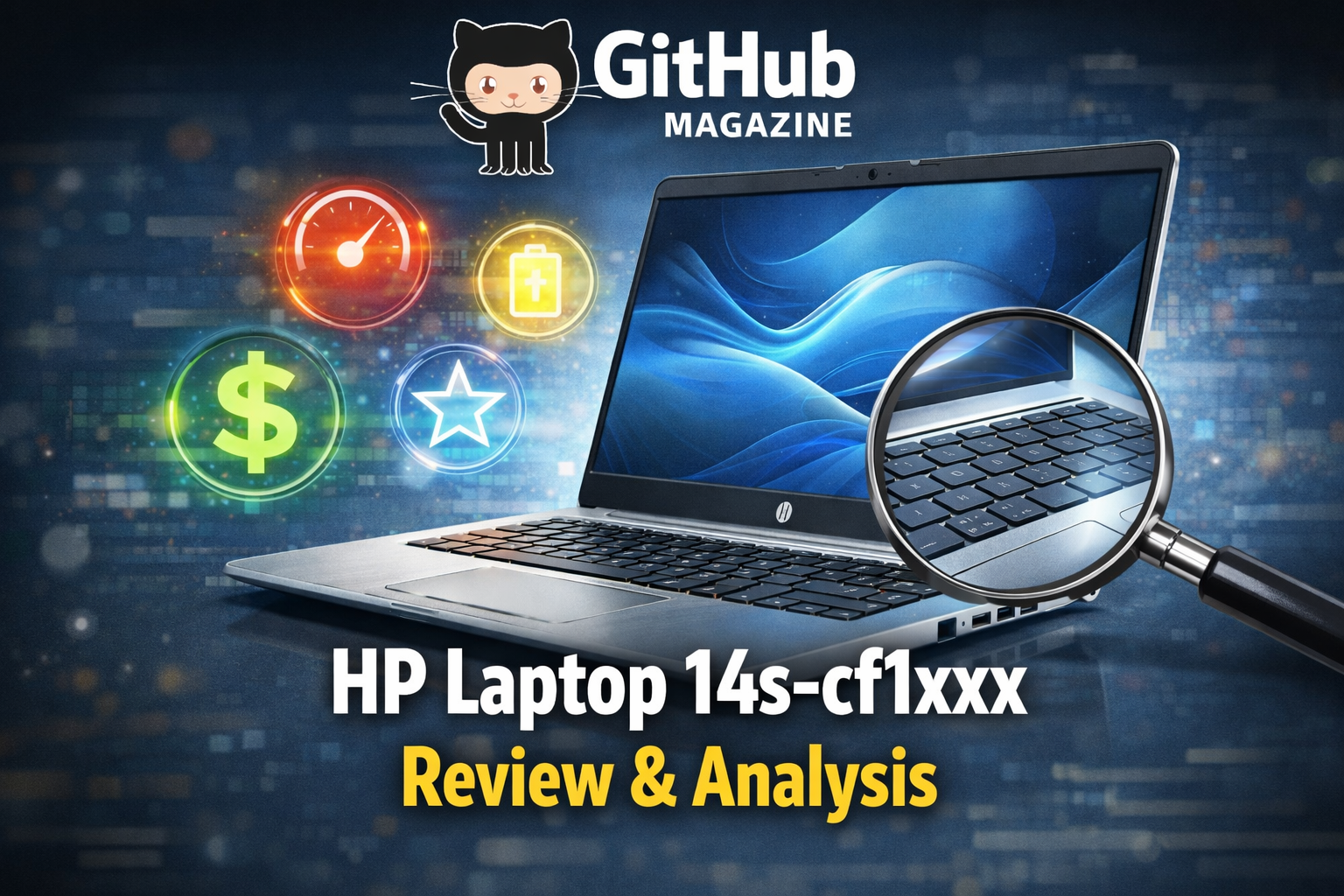
When readers look up the HP Laptop 14s-cf1xxx, they usually want clarity. Is it reliable for daily work? Does it perform well for study, streaming, and office tasks? The direct answer is yes, within its intended limits. It was built as a dependable, midrange Windows laptop designed for productivity, browsing, document editing, and light multitasking rather than gaming or heavy creative workloads. For general home and office use, it delivers steady performance at an accessible price.
I approach this device as a reflection of a larger change in computing culture. Over the last decade, laptops moved from premium lifestyle gadgets to essential tools for daily function. The 14s-cf1xxx series, introduced around 2019, typically offered Intel 8th Generation Core processors, integrated graphics, SSD options, and a lightweight 14 inch frame. Its purpose was not innovation but accessibility. It aimed to meet the needs of students, families, and small business users who required consistent Windows performance without entering premium ultrabook pricing territory.
Understanding this laptop requires examining its design, performance, usability, and long term relevance in a rapidly evolving digital landscape.
Design and Build Quality
The HP 14s-cf1xxx adopts a minimalist, practical design language common in late 2010s consumer notebooks. The chassis is lightweight, generally around 1.4 to 1.5 kilograms depending on configuration, making it easy to carry between home, school, and office environments. Its slim profile contributes to portability without sacrificing structural balance.
The exterior is primarily plastic, which keeps costs controlled. While it does not offer the metal construction of higher end HP Spectre or Envy models, it feels sufficiently sturdy for daily commuting and desk use. The hinge mechanism is firm and stable, preventing excessive screen wobble during typing sessions.
The keyboard layout is comfortable for extended typing, with adequate key travel and spacing. For students drafting essays or professionals working in spreadsheets, this ergonomic consistency matters more than premium materials. The touchpad supports multi gesture navigation, aligning with Windows productivity features and ensuring smooth cursor control.
Display Experience
The 14 inch display typically comes in HD or Full HD resolution depending on configuration. The Full HD option significantly improves clarity for text heavy tasks such as document editing and web browsing. On smaller screens, resolution plays a crucial role in productivity, and higher pixel density reduces eye strain during extended use.
Brightness levels are moderate. The screen performs best indoors under controlled lighting conditions. It is not optimized for outdoor visibility in direct sunlight. Color reproduction is sufficient for streaming video, video calls, and general media consumption but does not target professional grade creative work.
For everyday users, the display fulfills its intended purpose. It offers readable text, consistent contrast, and comfortable viewing angles for personal productivity and entertainment. Its strengths lie in reliability rather than visual brilliance.
Performance and Everyday Productivity
The HP 14s-cf1xxx commonly features Intel Core i3-8145U or Core i5-8265U processors from the 8th Generation U series lineup. These chips are designed for energy efficiency and multitasking in thin laptops. The Core i3 variant supports essential office tasks, while the Core i5 offers smoother performance under heavier multitasking conditions.
Processor | Cores and Threads | Base Frequency | Maximum Turbo | Suitable Tasks
Intel Core i3-8145U | 2 cores, 4 threads | 2.1 GHz | Up to 3.9 GHz | Browsing, documents, streaming
Intel Core i5-8265U | 4 cores, 8 threads | 1.6 GHz | Up to 3.9 GHz | Multitasking, light editing
With SSD storage, the system boots quickly and applications load without noticeable delay. Opening multiple browser tabs, running office applications, and streaming video simultaneously remains manageable, particularly on configurations with 8GB of RAM. Integrated Intel UHD Graphics handle everyday graphical demands but are not intended for modern gaming or professional rendering.
In practical use, the laptop feels responsive for common workloads. It is a tool for productivity, not performance experimentation.
Battery Life and Mobility
Battery efficiency is one of the series’ strongest features. Thanks to low power processors and moderate display brightness, users can expect approximately 6 to 8 hours of mixed usage. This range supports school days, business meetings, and remote work sessions without constant reliance on a charger.
The 14 inch size strikes a useful balance between screen space and portability. It provides enough workspace for productivity applications while remaining compact for backpacks and briefcases. The combination of battery endurance and lightweight design made it particularly relevant during the expansion of remote learning and home office environments.
For individuals who prioritize mobility over raw computing power, this balance is central to the laptop’s appeal.
Connectivity and Practical Features
The HP 14s-cf1xxx includes a selection of ports that support everyday needs. Most configurations offer USB Type A ports, HDMI output, a headphone jack, and an SD card reader. Some models include Ethernet connectivity. While advanced features such as Thunderbolt are typically absent, the available ports are sufficient for standard peripherals and external displays.
Wireless connectivity supports Wi Fi and Bluetooth, enabling seamless internet access and accessory pairing. The built in webcam and microphone provide functionality for video conferencing, online classes, and remote collaboration. Audio quality is adequate for casual media consumption, though external headphones enhance clarity.
These features underscore the laptop’s practical focus. It aims to meet common daily requirements without introducing unnecessary complexity.
Market Position and Comparison
At launch, the 14s-cf1xxx occupied a mid budget segment between entry level Chromebooks and premium ultrabooks. It offered full Windows functionality at a more accessible price than high end thin and light devices.
Feature | HP 14s-cf1xxx | Premium Ultrabook | Budget Chromebook
Operating System | Windows 10 | Windows 10 | ChromeOS
Build Materials | Plastic chassis | Metal alloy | Plastic
Target User | Students, families | Professionals | Web focused users
Storage | SSD or HDD | SSD | eMMC
Unlike Chromebooks, which rely heavily on browser based applications, the 14s-cf1xxx supports full desktop software. Compared with ultrabooks, it sacrifices luxury materials and advanced display technology to maintain affordability.
Its market success stemmed from delivering essential performance at a reasonable cost rather than competing at the cutting edge.
Longevity and Software Considerations
Most units shipped with Windows 10. As operating systems evolve, long term support becomes a significant factor for buyers. Windows 10 remains functional and secure within its official lifecycle, making the laptop viable for several years after release.
Hardware upgrades can extend usability. Many models allow storage upgrades, and some permit RAM expansion. Transitioning from traditional hard drives to SSDs significantly improves system responsiveness. These upgrade paths contribute to sustained relevance even as newer models enter the market.
For users focused on writing, browsing, and light productivity, the hardware continues to meet practical demands.
Broader Significance in Consumer Computing
I view the HP 14s-cf1xxx as an example of how technology matured into an everyday utility. It does not seek to redefine laptop design. Instead, it fulfills a fundamental promise: reliable access to digital tools. During a period when remote communication, online education, and home based productivity expanded rapidly, affordable Windows laptops became essential household infrastructure.
Devices like this demonstrate that impact does not require spectacle. Their value lies in enabling routine tasks consistently and without complication. The 14s-cf1xxx embodies that philosophy.
Takeaways
• Designed for everyday productivity rather than high performance gaming
• Balanced portability with practical 14 inch screen size
• Intel 8th Generation processors deliver stable multitasking
• SSD configurations significantly enhance responsiveness
• Battery life supports full work or school sessions
• Upgrade options extend device lifespan
Conclusion
The HP Laptop 14s-cf1xxx stands as a representative model of practical consumer computing. It does not pursue luxury aesthetics or extreme performance benchmarks. Instead, it provides accessible Windows functionality in a compact, efficient package. For students drafting assignments, professionals handling spreadsheets, or families streaming media, it fulfills its role with consistency.
As technology continues to accelerate, it is easy to overlook devices built for stability rather than spectacle. Yet the quiet reliability of laptops like the 14s-cf1xxx often shapes daily experience more profoundly than flagship innovations. Its lasting relevance lies in its balance. It is a reminder that in computing, usability and dependability frequently matter more than ambition.
FAQs
Is the HP 14s-cf1xxx suitable for office work?
Yes. It handles document editing, spreadsheets, presentations, and web based tasks effectively, especially with 8GB RAM and SSD storage.
Can it handle video editing?
It supports very light editing tasks but is not designed for heavy professional video production due to integrated graphics limitations.
Is the battery removable?
In most configurations, the battery is internal and not designed for quick external removal by users.
Does it support external monitors?
Yes. The HDMI port allows connection to external displays for extended workspace setups.
Is it still worth buying today?
It remains useful for basic productivity and educational tasks, particularly if upgraded with SSD storage and sufficient RAM.