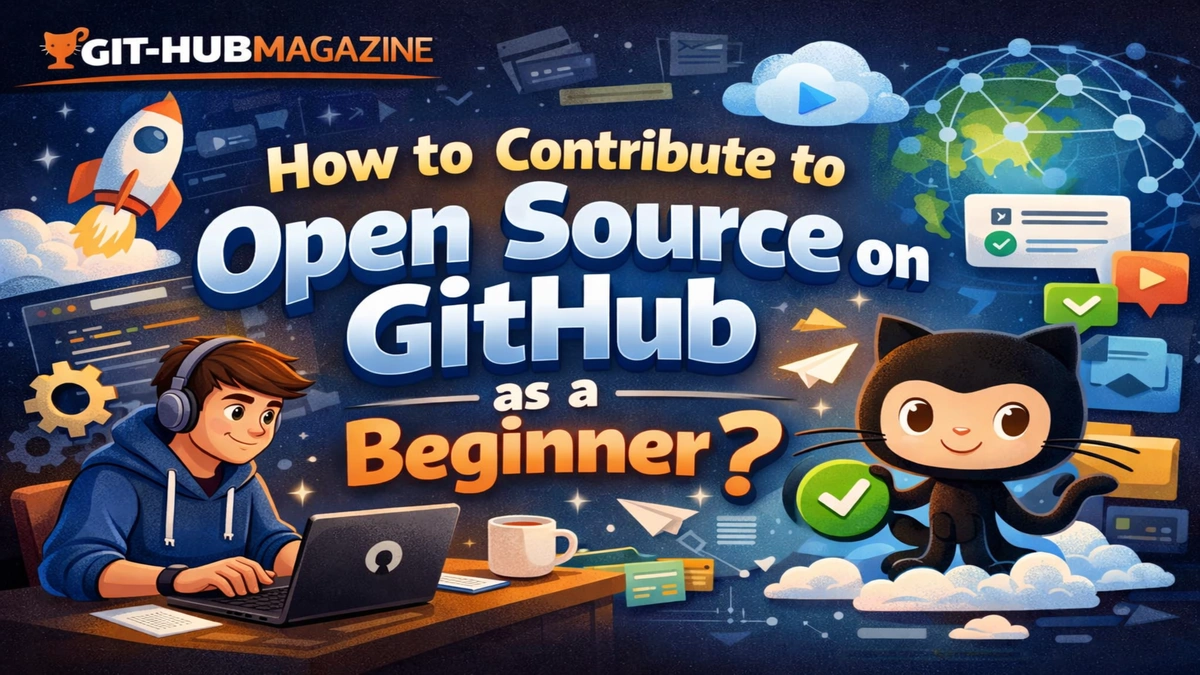
How to Contribute to Open Source on git-hub as a Beginner
Open source software quietly powers much of modern life, from the operating systems on our phones to the frameworks that run major websites and services. Behind that infrastructure is a global network of volunteers, professionals, students, and hobbyists who build, fix, document, and improve software together in public. For a beginner, this world can feel distant and intimidating, full of unfamiliar tools, unwritten rules, and experienced voices that seem far ahead. Yet open source was designed to be participatory, not exclusive, and the path in is far more accessible than it first appears.
If you want to contribute to open source on GitHub as a beginner, the essential truth is simple: you do not need to be an expert, and you do not need to start with large or complex changes. You need orientation, patience, and a willingness to learn in public. Contributing means joining a conversation around a shared piece of software. Sometimes that conversation is about code, sometimes about clarity, sometimes about fixing something small so others do not stumble over it later.
GitHub is the primary place where this collaboration happens today. It provides the tools that allow anyone to copy a project, experiment with changes, propose improvements, and discuss them openly with maintainers and other contributors. Understanding how this system works, and how people use it respectfully and productively, is the foundation of meaningful contribution.
This article walks through that foundation in a slow, grounded way. It explains how to find beginner-friendly projects, how the GitHub workflow actually functions, how communities communicate, and how to avoid common mistakes. It is not about rushing toward visibility or building a perfect profile. It is about learning how to participate well, and how to make your first contributions in a way that benefits both you and the communities you join.
Why open source exists and why beginners matter
Open source grew out of the idea that software improves when people can inspect it, modify it, and share it freely. Instead of knowledge being locked inside companies or individuals, it becomes a shared resource that anyone can learn from and build upon. Over time, this approach has produced some of the most important technologies in computing, including the Linux operating system, the Python programming language, and many of the libraries that power the modern web.
Beginners matter in this ecosystem for two reasons. First, they represent the future of the projects themselves. Software does not stay relevant unless new people join, learn, and eventually take on responsibility. Second, beginners see things experienced contributors often no longer notice. Confusing documentation, unclear setup steps, and broken links are far more visible to someone encountering a project for the first time.
Your perspective as a beginner is therefore not a weakness. It is a form of value. When you report something confusing, improve a guide, or clarify a step that tripped you up, you are helping future users and contributors. That is open source in practice: not only building new things, but making existing things more accessible.
Finding a project that welcomes beginners
The first practical challenge is choosing where to contribute. GitHub contains millions of repositories, and most are not designed for first-time contributors. The key is not to search randomly, but to look for signs that a project actively welcomes new people.
Begin by thinking about what you already use or care about. If you are learning web development, look at frameworks, tools, or tutorials you have followed. If you care about education, accessibility, or climate data, look for projects in those domains. Interest makes the learning process more meaningful and sustainable.
Then look for signals of beginner friendliness. Many projects label certain issues as “good first issue” or “beginner friendly.” These labels indicate tasks that are small in scope and safe to attempt without deep knowledge of the codebase. They might involve fixing a typo, adjusting a small function, or improving documentation.
Another useful indicator is activity. A project with recent commits, active discussions, and maintainers who respond to questions is more likely to provide feedback and support. A project that has not been updated in years or where issues go unanswered may not be a good place to start, even if the software itself is interesting.
Finally, read the project’s README and contribution guidelines. These documents tell you what the project is for, how to set it up, and how the maintainers expect people to contribute. If these files are clear and welcoming, that is a strong sign that the community values contributors at all levels.
Understanding the basic GitHub workflow
Once you have chosen a project, you will encounter a standard set of steps that make up the GitHub contribution workflow. Understanding this process conceptually is more important than memorizing commands.
You begin by creating a personal copy of the project, called a fork. This allows you to experiment without affecting the original repository. You then download that fork to your own computer so you can edit files locally.
Before making changes, you create a new branch. A branch is simply a separate line of development that keeps your changes organized and isolated. Each branch ideally corresponds to one idea or fix.
After you make your changes, you save them as commits, which are snapshots with messages explaining what you did and why. You then push those commits back to your fork on GitHub.
Finally, you open a pull request. This is a formal proposal asking the original project to include your changes. The pull request becomes a space for conversation. Maintainers may ask questions, suggest improvements, or request changes before accepting your contribution.
This review process is not a test you either pass or fail. It is a collaborative editing process, similar to working with an editor or a mentor. Engaging with it respectfully and openly is one of the most valuable learning experiences open source offers.
Community norms and respectful participation
Every open source project is also a social space. It has norms, expectations, and shared values that guide how people interact. Understanding and respecting these norms is as important as writing good code.
Most projects have a code of conduct, often based on widely used templates, that outlines acceptable behavior and how conflicts are handled. Reading this document helps you understand the tone the community aims to maintain.
Beyond formal rules, there are informal practices. It is polite to search existing issues before opening a new one, to avoid duplication. It is respectful to explain your reasoning clearly in pull requests, so maintainers understand your intent. It is generous to thank people who review your work, because review takes time and attention.
If you are unsure about something, asking a thoughtful question is almost always better than guessing. A question that shows you have read the documentation and tried to understand the problem is usually welcomed.
What beginners often get wrong
One common mistake is trying to do too much too soon. Large changes require deep understanding of a project’s architecture and goals, which takes time to develop. Starting with small, contained contributions builds that understanding gradually.
Another mistake is taking feedback personally. When maintainers request changes, they are usually responding to the needs of the project, not judging you as a person. Separating your identity from your contribution makes it easier to learn and improve.
Some beginners also focus only on code, ignoring other valuable forms of contribution. Documentation, testing, translation, and user support are all essential to healthy projects and are often areas where help is especially appreciated.
Finally, some people give up after their first contribution feels awkward or slow. Open source is a long-term practice. The first few steps are the hardest because everything is unfamiliar. With repetition, the tools and norms become more natural.
Perspectives from experienced contributors
Many long-time contributors describe open source less as a technical activity and more as a form of collective care. People notice what is broken, confusing, or missing, and they take responsibility for improving it. Over time, this creates software that reflects the diverse needs and perspectives of its users.
Others emphasize that contributing changed how they see themselves as learners. Instead of waiting to feel “ready,” they learned by doing, by making mistakes, and by being guided by people slightly ahead of them. This shift from private learning to public learning can be uncomfortable, but it is also deeply empowering.
Takeaways
- Open source is a collaborative culture, not just a coding practice.
- Beginners bring valuable perspectives that improve projects.
- Choosing a welcoming, active project makes your first experience much easier.
- The GitHub workflow is a structured way to propose and discuss changes, not a barrier to entry.
- Respectful communication is as important as technical skill.
- Small contributions build confidence and understanding over time.
Conclusion
Contributing to open source on GitHub as a beginner is less about proving your ability and more about joining a shared process of improvement. It invites you to learn in public, to ask questions, to accept feedback, and to take responsibility for things that matter to you and others. Over time, this practice changes how you see software, not as a finished product delivered to you, but as something living and evolving that you can help shape.
The first contribution is rarely elegant. It might be a typo fix, a small documentation edit, or a minor bug report. But it is a meaningful step from being a passive user to becoming an active participant. That step is the heart of open source.
As you continue, you will not only gain technical skills, but also learn how to collaborate across cultures, time zones, and perspectives. You will learn how to explain your thinking, listen to others, and negotiate shared decisions. These skills extend far beyond GitHub and into any complex, collaborative work.
Open source is not a closed circle that you must earn your way into. It is an open door. Walking through it is an act of curiosity and care, and once you do, you become part of a global story of people building things together, one small contribution at a time.
FAQs
What skills do I need before I start contributing
You need basic familiarity with GitHub and whatever language or content the project uses, but you do not need to be an expert.
Is it okay if I make mistakes
Yes. Mistakes are part of learning, and most communities are patient if you are respectful and willing to improve.
Can I contribute without writing code
Yes. Documentation, testing, translations, design, and user support are all important contributions.
How long does it take for a pull request to be reviewed
It varies by project. Some respond within hours, others take days or weeks depending on maintainer availability.
What if my contribution is not accepted
Use the feedback to learn. Even rejected contributions help you understand the project better.