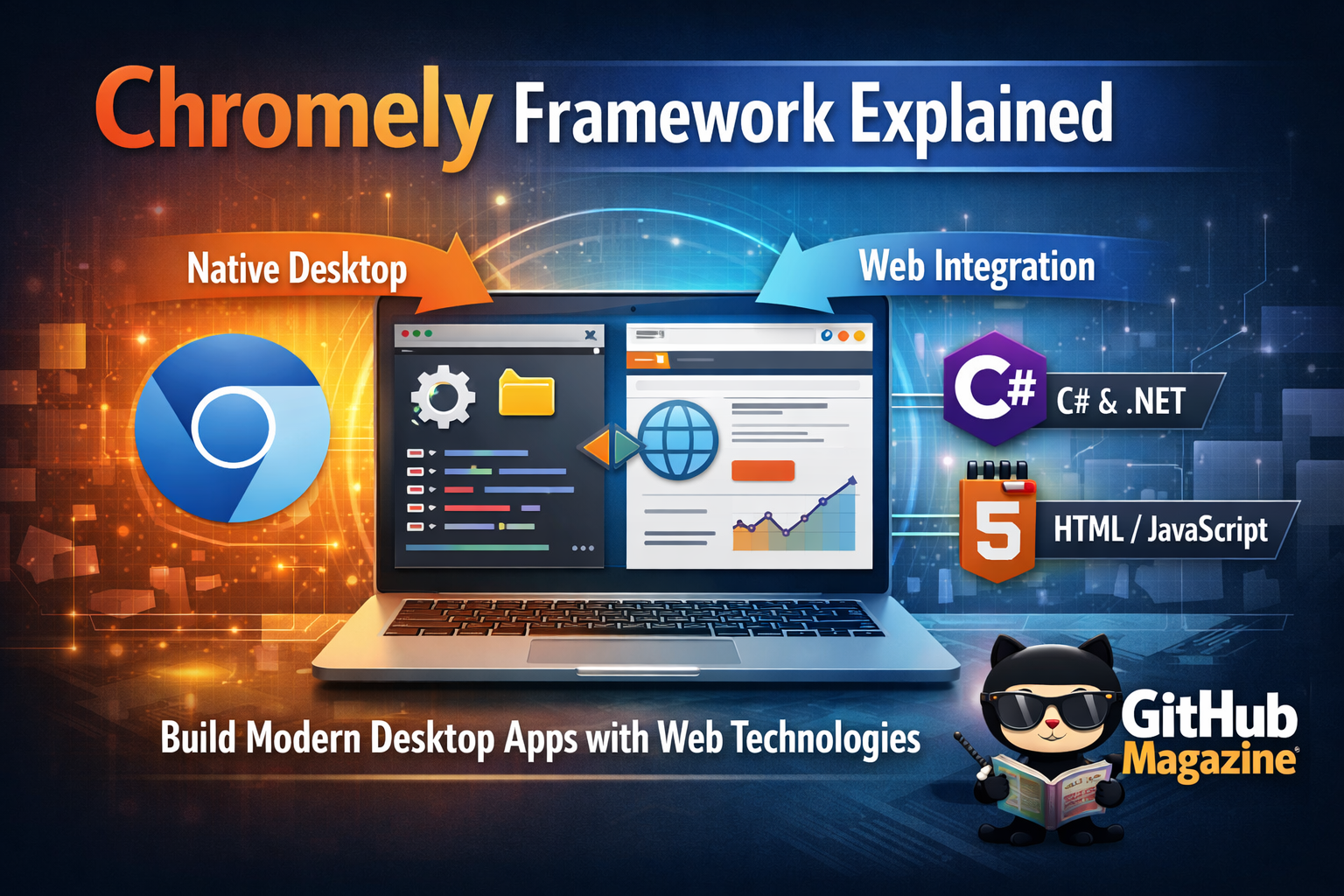
Chromely Framework Explained
When developers search for Chromely, they usually want to understand one thing quickly: what it is and whether it can help them build desktop applications using web technologies. Chromely is an open-source .NET framework that enables developers to create cross-platform desktop applications by embedding the Chromium browser engine through Chromium Embedded Framework, commonly known as CEF. In practical terms, it allows HTML, CSS, and JavaScript interfaces to run as native desktop apps on Windows, macOS, and Linux.
The idea is simple but powerful. Instead of building a user interface with traditional desktop frameworks like Windows Presentation Foundation or WinForms, developers can design interfaces using modern web stacks and then host them inside a lightweight desktop shell. Chromely manages the bridge between the browser engine and the .NET backend, allowing local services and APIs to communicate with the frontend seamlessly.
This approach reflects a broader shift in software development. As web technologies matured, developers increasingly sought ways to reuse web skills in desktop environments. Frameworks like Electron popularized this strategy. Chromely emerged as an alternative focused on the .NET ecosystem, emphasizing flexibility and lower overhead. Its development mirrors the growing convergence between browser and operating system, where the line between web app and desktop app continues to blur.
The Origins of Chromium Embedded Applications
Chromely’s foundation lies in the Chromium Embedded Framework, an open-source project that allows developers to embed the Chromium browser into applications (Chromium Embedded Framework, 2023). CEF was designed to separate Chromium’s rendering engine from the full browser, giving developers control over how it is integrated.
Chromely builds on that foundation but adds a .NET-centric layer. It simplifies configuration, lifecycle management, and communication between frontend and backend services. Instead of directly managing CEF complexity, developers interact with a structured framework tailored for .NET.
The rise of Chromium-based embedding gained momentum after Google open-sourced Chromium in 2008 (Google, 2008). That decision enabled a wave of browser-based engines powering not just web browsers but also applications. Slack, Microsoft Teams, and Discord later used Chromium-based stacks in various forms.
Below is a comparison of common desktop web frameworks:
| Framework | Core Engine | Primary Language | Notable Strength |
|---|---|---|---|
| Electron | Chromium + Node.js | JavaScript | Large ecosystem |
| Tauri | WebView (OS native) | Rust | Lightweight footprint |
| Chromely | Chromium via CEF | .NET (C#) | Tight .NET integration |
| NW.js | Chromium + Node.js | JavaScript | Direct Node access |
Chromely positioned itself as a focused solution for developers invested in the Microsoft ecosystem who wanted Chromium power without Node dependency.
Architecture and Technical Design
Chromely operates on a layered architecture. At the base sits CEF, handling rendering and browser processes. Above that, Chromely introduces a host layer managing application lifecycle, window creation, and interprocess communication. On top sits the application logic written in C#.
Communication between frontend JavaScript and backend .NET services occurs through message routing. Developers define controllers and endpoints that can be invoked from JavaScript, resembling web API patterns. This symmetry reduces cognitive load for developers already familiar with RESTful architecture.
The technical workflow generally follows these stages:
| Stage | Description | Developer Role |
|---|---|---|
| Initialization | CEF bootstraps Chromium engine | Configure host settings |
| Window Creation | Native window shell created | Define UI entry point |
| Message Routing | JS communicates with backend | Implement controllers |
| Lifecycle Management | Shutdown and cleanup | Manage app resources |
This structure offers predictability. Developers can modularize backend services while maintaining rich frontend experiences built with React, Vue, Angular, or plain JavaScript.
The Web-to-Desktop Movement
Chromely’s relevance becomes clearer when viewed within the broader web-to-desktop movement. As Progressive Web Apps matured, browser capabilities expanded to include offline caching, notifications, and hardware access. Yet many enterprises still required native desktop packaging for distribution, policy compliance, or offline resilience.
Electron dominated early adoption. However, concerns about performance and memory usage surfaced as Electron apps sometimes consumed significant system resources (Microsoft DevBlogs, 2018). Chromely emerged as a lighter alternative for .NET developers who preferred managed environments.
Dr. Dino Esposito, a software architect and author, once noted that “the browser has become the most portable runtime environment ever created.” That insight underscores why frameworks like Chromely exist. They leverage browser consistency while retaining native system integration.
In corporate settings, Chromely has been used for internal dashboards, administrative tools, and data visualization applications where web UI agility matters but deployment requires desktop control.
Performance Considerations
Performance discussions around web-based desktop frameworks often center on resource consumption. Electron bundles Chromium and Node.js with each app instance, increasing package size. Chromely, by focusing on CEF integration without Node runtime overhead, aims to streamline deployment.
Nevertheless, Chromium itself remains resource-intensive compared to traditional native UI frameworks. Memory usage reflects active tabs, rendering complexity, and JavaScript execution.
Below is a general comparison of typical deployment characteristics:
| Characteristic | Traditional Native App | Electron App | Chromely App |
|---|---|---|---|
| Binary Size | Small to Moderate | Large | Moderate |
| Memory Usage | Low | Moderate to High | Moderate |
| UI Flexibility | Limited by toolkit | High | High |
| Skill Reusability | Requires native expertise | Web-focused | Web + .NET |
Performance outcomes depend heavily on optimization practices. Efficient frontend design, minimized script bundles, and backend threading strategies significantly affect runtime behavior.
Security and Sandboxing
Security in embedded browser applications requires careful planning. CEF supports sandboxing, process isolation, and custom protocol handling. Chromely developers must configure these features explicitly.
Web content embedded locally may bypass some traditional browser security warnings. Therefore, developers must ensure that external content loading is controlled and that APIs exposed to JavaScript are properly validated.
Cybersecurity expert Troy Hunt has frequently emphasized that “security is not a feature you bolt on later.” The same principle applies here. Developers must integrate authentication, encryption, and data validation at the architectural level.
Because Chromely apps often serve enterprise environments, they may handle sensitive data. Secure coding practices, including certificate validation and controlled routing, become essential.
Open Source and Community Governance
Chromely is an open-source project hosted on GitHub, encouraging community contributions. Open governance models allow developers to fork, extend, or adapt the framework to specific use cases.
Open-source frameworks face sustainability challenges. Contributors may shift focus, and maintenance cycles depend on volunteer capacity. Yet openness fosters transparency and adaptability.
The Apache Software Foundation and similar organizations have long argued that open-source ecosystems drive innovation by decentralizing control (Apache Software Foundation, 2022). Chromely reflects that ethos within the .NET landscape.
Community-driven documentation, issue tracking, and pull requests sustain evolution. As .NET Core matured and became cross-platform in 2016, Chromely benefited from broader operating system compatibility.
Enterprise Use Cases
Chromely’s enterprise appeal lies in its balance between web flexibility and controlled deployment. Organizations can package internal tools as standalone executables while maintaining consistent UI built on familiar frameworks.
Typical use cases include:
- Data dashboards pulling from internal APIs
- Administrative control panels
- Reporting and analytics tools
- Secure offline utilities
Enterprises often prefer .NET due to existing infrastructure and developer expertise. Chromely fits naturally within that stack.
Software consultant Scott Hanselman has written extensively about .NET’s cross-platform transformation, noting that modern .NET enables Linux and macOS deployments once limited to Windows (Hanselman, 2019). Chromely builds atop that cross-platform capability.
The convergence of .NET Core and Chromium embedding opened doors that previously required complex native rewrites.
Future Trajectory
The future of frameworks like Chromely depends on evolving desktop paradigms. Operating systems increasingly integrate web views natively. Microsoft’s WebView2, built on Chromium Edge, represents another path toward web-powered desktop interfaces (Microsoft, 2020).
As WebAssembly matures, some backend logic may shift client-side, further narrowing the line between browser and desktop runtime. Developers may choose between lighter native web views and full embedded Chromium stacks depending on complexity.
Chromely’s niche remains clear: robust .NET integration with a customizable Chromium core. Whether it expands depends on community engagement and the broader trajectory of cross-platform desktop engineering.
The pattern suggests that hybrid models will continue to dominate. Purely native or purely web approaches rarely meet every need. Frameworks that bridge worlds often endure.
Takeaways
- Chromely embeds Chromium into .NET desktop applications using CEF.
- It enables web-based UI with native backend integration.
- The framework emerged within the broader web-to-desktop movement.
- Performance depends on optimization and architectural choices.
- Security configuration is critical in embedded browser environments.
- Its open-source governance supports flexibility and adaptation.
Conclusion
Chromely occupies a thoughtful space in modern software development. It does not attempt to replace native toolkits entirely, nor does it mirror Electron’s JavaScript-centric ecosystem. Instead, it bridges Chromium’s rendering power with the structure and maturity of the .NET framework.
In an era where developers seek portability, maintainability, and skill reuse, Chromely offers a pragmatic compromise. It reflects the larger evolution of software architecture, where boundaries between browser and operating system soften year by year. The question is no longer whether web technologies belong on the desktop. That transition has already happened. The question is which frameworks will shape the next phase of integration.
Chromely’s story is one of adaptation, community effort, and technological convergence. For developers fluent in C# who want modern interfaces without abandoning familiar ecosystems, it represents a compelling, if specialized, path forward.
FAQs
What is Chromely used for?
Chromely is used to build cross-platform desktop applications using web technologies embedded within a .NET backend.
Is Chromely cross-platform?
Yes. It supports Windows, macOS, and Linux through .NET Core and CEF integration.
How is Chromely different from Electron?
Chromely integrates directly with .NET and does not require Node.js as its primary runtime.
Does Chromely require Chromium installation?
No. Applications bundle the necessary CEF components during deployment.
Is Chromely suitable for enterprise applications?
Yes. Many organizations use it for internal dashboards, data tools, and secure utilities.

Related Posts

CXX Explained: The Enduring Power of C++

Boris Chen and the Evolution of Runtime Security