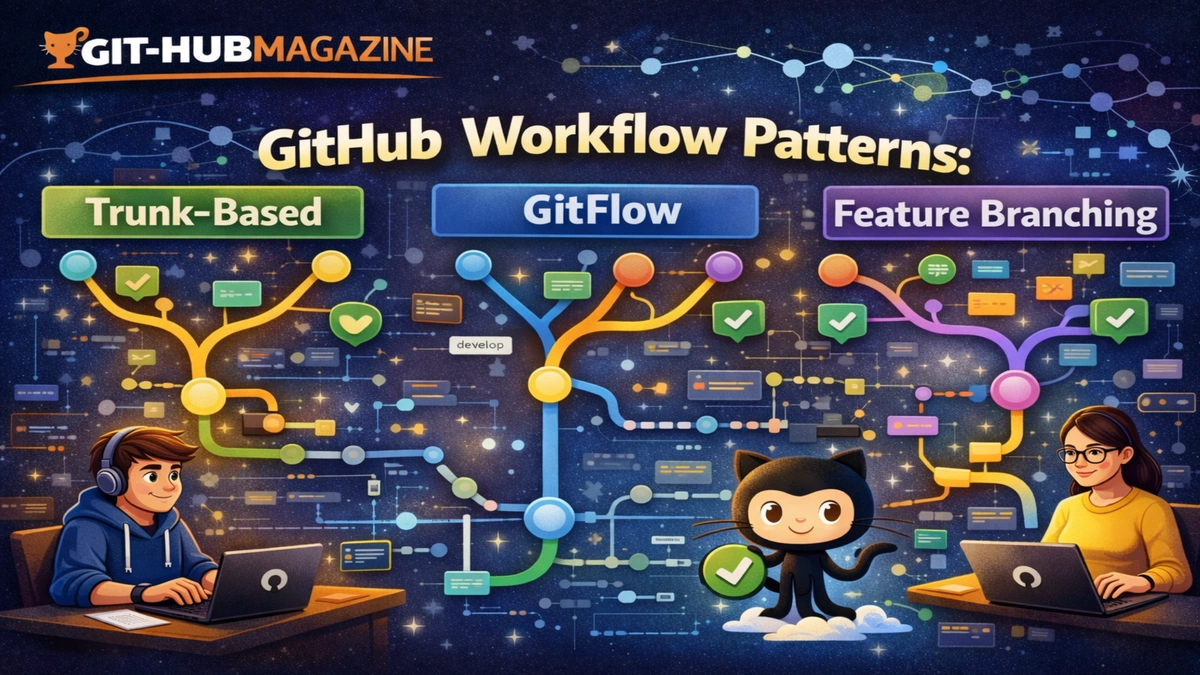
git-hub Workflow Patterns: Trunk-Based, GitFlow, and Feature Branching
Every software team, whether it has three developers or three thousand, eventually confronts the same question: how should we work together on the same code without constantly breaking each other’s work. Git, as a distributed version control system, offers powerful branching tools, but it does not prescribe how those tools should be used. The result is that teams must choose or design a workflow that fits their goals, culture, and scale.
In the first 100 words, the essential answer is that Trunk-Based Development, GitFlow, and Feature Branching are three distinct ways of organizing collaboration around Git branches. They differ mainly in how often changes are integrated, how long branches live, and how tightly releases are controlled. Those differences ripple outward into team behavior, testing practices, review culture, and even how people experience their daily work.
These workflows are not simply technical patterns. They encode assumptions about trust, autonomy, risk tolerance, and the cost of mistakes. A team that merges code dozens of times a day is making a statement about speed and feedback. A team that maintains multiple long-lived branches is making a statement about stability and predictability. A team that isolates every piece of work in a feature branch is making a statement about focus and review.
Understanding these patterns allows teams to choose deliberately rather than by habit. It helps leaders see why a workflow that works beautifully in one organization can feel oppressive or chaotic in another. This article explores each pattern not just as a set of rules, but as a social and technical system, and shows how those systems shape the way software is built, tested, and released.
Read: How to Contribute to Open Source on git-hub as a Beginner
What a Git workflow really is
A Git workflow is a shared agreement about how people use branches, merges, and reviews to collaborate. It defines when code is allowed to touch the main line, how incomplete work is isolated, and how changes are validated before release.
At a practical level, it answers questions like when you create a branch, how long you keep it, who can merge it, and what checks must pass before it becomes part of the product. At a deeper level, it answers questions about trust, responsibility, and communication. Does the team trust individuals to merge directly into the main branch, or must every change be reviewed. Does the team prioritize fast feedback or carefully staged releases. Does the team optimize for autonomy or for centralized control.
Because these decisions shape daily behavior, workflows are as much about culture as they are about mechanics.
Trunk-Based Development
Trunk-Based Development is built around a single shared branch, often called main or trunk, that everyone treats as the source of truth. Developers integrate their changes into this branch very frequently, often several times a day. Branches, if they exist at all, are short-lived and are merged back quickly.
The philosophy is that integration should be continuous, not deferred. By keeping changes small and frequent, teams reduce the risk of large conflicts and discover problems early, when they are easier to fix. Incomplete features are hidden behind flags or configuration switches so that unfinished work does not affect users.
This model demands discipline. Automated tests must be strong, because broken code in the trunk affects everyone. Developers must be comfortable exposing their work early and receiving feedback quickly. The reward is speed and clarity. The system is always close to a releasable state, and surprises are rare because nothing stays hidden for long.
Trunk-based workflows tend to thrive in environments that value experimentation, fast iteration, and continuous delivery. They can feel stressful in cultures that fear mistakes or where testing and automation are weak.
Read: Managing Large Projects on git-hub: Scaling Teams and Codebases
GitFlow
GitFlow represents a more formal, staged approach to development. It introduces a structured set of branches with specific purposes, such as a main branch for production, a develop branch for ongoing work, feature branches for individual tasks, release branches for stabilization, and hotfix branches for urgent repairs.
This structure creates clear phases: development happens here, stabilization happens there, and production lives over there. It mirrors traditional release management processes, where code is frozen, tested, and then released on a schedule.
The benefit of GitFlow is clarity and control. Teams know exactly where a piece of work belongs and what stage it is in. Releases can be prepared carefully, and emergency fixes can be isolated without disrupting ongoing development.
The cost is complexity. There are more branches to manage, more merges to coordinate, and more opportunities for branches to drift apart. GitFlow can slow teams down if they are trying to release continuously, but it can feel reassuring in regulated environments or products where stability and auditability matter more than speed.
Feature Branching
Feature Branching is a pattern where every significant piece of work gets its own branch. A developer creates a branch, works there until the feature or fix is complete, and then merges it back into the main line after review.
This isolates work in progress and makes it easier to reason about changes. Code reviews happen in the context of a specific feature, and incomplete work does not affect others.
The danger is that branches can live too long. The longer a branch exists, the more the main line changes without it, and the harder it becomes to merge. This leads to painful conflicts and delays, especially in large teams.
Feature Branching works best when features are small, branches are short-lived, and integration is frequent. It appeals to teams that value focused work and structured reviews but can struggle in environments with large, long-running initiatives.
How these workflows compare
| Workflow | Integration Style | Branch Lifespan | Release Style |
|---|---|---|---|
| Trunk-Based | Continuous | Hours or days | Continuous |
| GitFlow | Staged | Weeks or months | Scheduled |
| Feature Branching | Task-based | Days to weeks | Flexible |
| Dimension | Trunk-Based | GitFlow | Feature Branching |
|---|---|---|---|
| Speed | Very high | Moderate | Moderate |
| Control | Low to medium | High | Medium |
| Complexity | Low | High | Medium |
| Risk Exposure | Early and visible | Delayed but controlled | Isolated but accumulative |
| Cultural Fit | Experimental, DevOps | Formal, release-driven | Review-centric |
Expert perspectives
“Your branching strategy is a mirror of your organizational psychology.”
“Frequent integration reduces risk by turning big problems into small ones.”
“Structure can protect quality, but it can also hide trouble until it becomes expensive.”
Why teams choose differently
Teams choose workflows not because one is objectively superior, but because each fits a different context. A startup pushing updates daily may thrive with trunk-based development. A medical device company shipping regulated releases may need GitFlow. An open-source project with volunteer contributors may rely on feature branches and pull requests to manage quality.
As teams grow or change, their workflows often evolve. What worked for ten people may not work for a hundred. What worked with monthly releases may not work with daily deployments. Mature organizations treat workflows as living systems, not fixed rules.
Takeaways
- Workflows shape behavior, not just code flow
- Trunk-based emphasizes speed and feedback
- GitFlow emphasizes structure and release discipline
- Feature Branching emphasizes isolation and review
- No single workflow fits every context
- The best workflows evolve with the team
Conclusion
Git workflows are not neutral tools. They shape how people think about risk, responsibility, and collaboration. They influence whether developers feel free to experiment or compelled to wait, whether problems surface early or stay hidden, and whether teams experience their work as fluid or fragmented.
Trunk-based development offers speed and transparency, but requires trust and strong automation. GitFlow offers control and predictability, but demands coordination and patience. Feature Branching offers focus and safety, but risks fragmentation if not managed carefully.
The right choice is not about fashion or dogma. It is about aligning technical practices with human realities. Teams that reflect on their goals, constraints, and values can choose or adapt a workflow that supports both their software and the people who build it.
In the end, the success of a workflow is measured not by how elegant it looks on a diagram, but by whether it helps a team deliver valuable software sustainably, with clarity, confidence, and care.
FAQs
What is the main difference between these workflows
They differ in how often code is merged, how long branches live, and how releases are managed.
Is trunk-based development risky
It can be without strong testing and discipline, but it reduces long-term integration risk.
Why do some teams still use GitFlow
It supports structured releases and is well suited to regulated or staged environments.
Can feature branches be used with continuous delivery
Yes, if branches are short-lived and merged frequently.
Can teams change workflows over time
Yes, and most successful teams do as their needs evolve.