MacVG Explained: macOS Volume Architecture Guide
I’ve always been interested in the hidden systems that make everyday technology work, and MacVG is one of the most important but least understood changes to macOS. Apple created the macOS Volume Group, or MacVG, as a way to keep system files separate from user data. This made Macs much better at handling security, updates, and reliability.
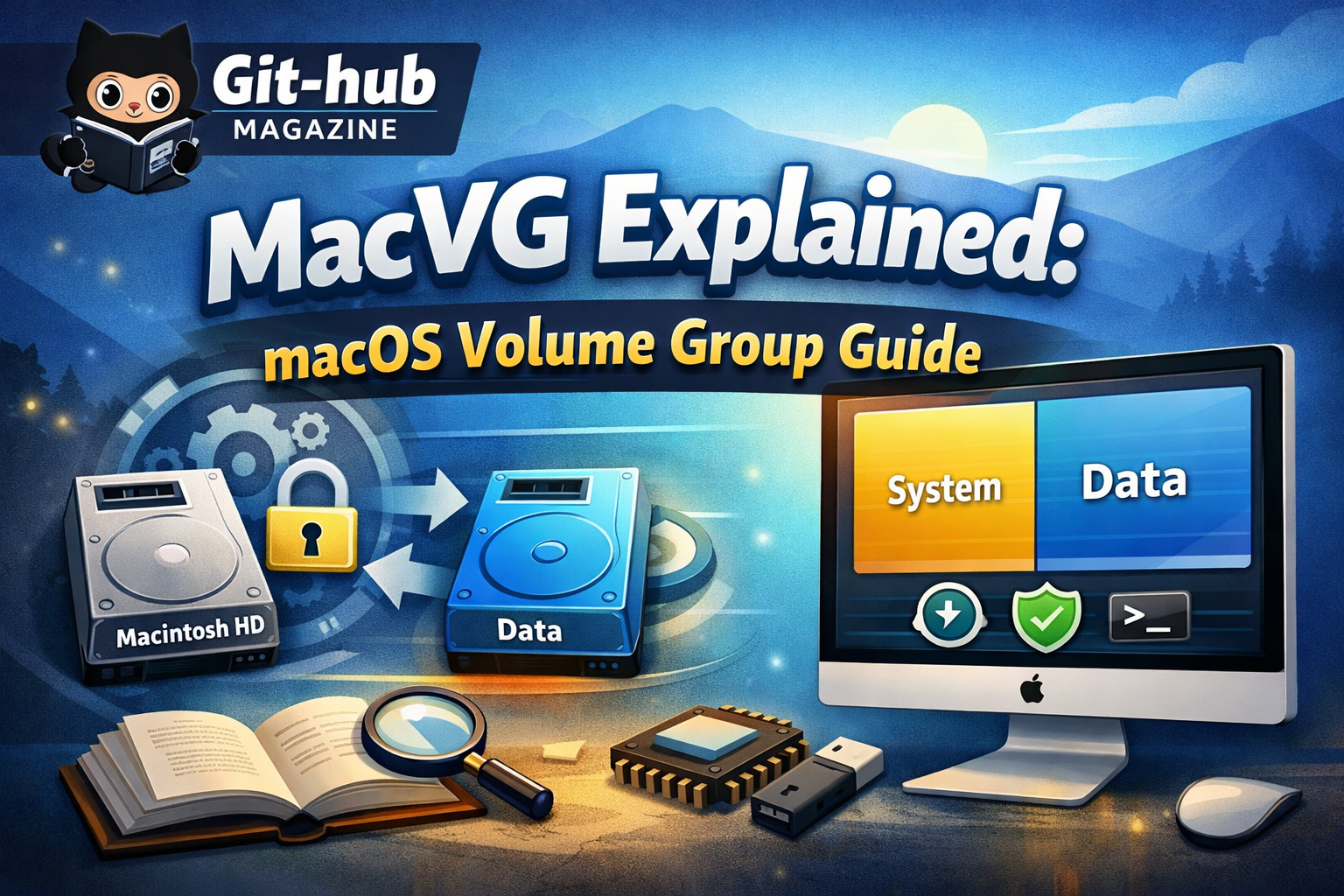
The main thing that MacVG does is split the operating system into two linked volumes. One volume has the system files that can only be read, and the other has all of the user data and apps. This design keeps the operating system safe from changes that aren’t allowed, but it still lets users do whatever they want with their own files.
The idea first came up with macOS Catalina in 2019, which was a big change in how Apple thought about system integrity. Apple made the system layer separate from the rest of the system, which made it safer and made it easier to install updates. It also made system corruption much less likely.
One thing that makes MacVG so appealing is how well it works. Most people don’t even notice it, but it is very important for keeping macOS running smoothly and safely. It shows a bigger change in computing, where operating systems are getting more controlled, stronger, and better at protecting themselves against new threats.
The Architecture Behind MacVG
I think MacVG is a well-designed dual-layer system that strikes a good balance between control and ease of use. Apple doesn’t use just one storage structure for macOS. Instead, it splits it up into two separate but connected volumes inside the APFS container.
The first is the system volume, which has the main operating system on it. This volume is mounted as read-only, which means that neither users nor most applications can change it. The second is the data volume, which is where all the files that users create, install apps, and write to are kept.
Apple calls this group of two volumes a “volume group.” Even though they are separate on the inside, they look like one filesystem to the user. This illusion is made possible by systems that smoothly combine the two layers into one interface that everyone can use.
Apple can keep a tight grip on system integrity while still giving users a lot of freedom with this design. It also lays the groundwork for future improvements in system security and performance, making sure that macOS stays stable and flexible.
Why Apple Introduced MacVG
I think Apple made MacVG because people were worried about how safe and reliable their systems were becoming. Before this architecture, macOS kept system files and user data in the same place. This made the operating system more likely to get corrupted or attacked by hackers.
Apple solved a number of important problems by separating these parts. Security got better because malware could no longer easily change system files. Updates were safer because changes to the system no longer put user data at risk. It also became easier to recover from problems, so damaged systems could be fixed without losing personal files.
This change is part of a larger trend in the industry to separate important parts of systems. It is now more important than ever to keep a clear line between system and user data as operating systems get more complicated and threats get smarter.
The addition of MacVG was more than just a technical improvement. It was a smart move that changed how macOS protects itself while still giving users a smooth experience.
Evolution of macOS Storage Systems
I have seen how Apple’s storage systems have changed over time, and MacVG is a big step forward in that process. Older systems like HFS+ were easy to use but not strong enough for today’s computers.
APFS added important features like snapshots and encryption, but it was the addition of volume groups that made the change complete. Apple made a system that is both flexible and secure by combining the features of APFS with the structure of MacVG.
| Era | File System | Key Feature | Limitation |
|---|---|---|---|
| Pre-2017 | HFS+ | Simplicity | Limited reliability |
| 2017–2019 | APFS | Snapshots, encryption | Unified structure |
| 2019–Present | APFS + MacVG | Volume groups | Increased complexity |
This evolution reflects Apple’s ongoing effort to modernize macOS while addressing the challenges of performance, security, and scalability.
How MacVG Works in Practice
I think it’s amazing how MacVG works without getting in the way of the user experience. Everything looks the same on the outside. You can get to files in the same places you always do, and apps work as they should.
But behind the scenes, macOS uses a complex system to combine the system and data volumes. The system volume is mounted at the root, and the data volume is in a different path. The two volumes are shown as one unified structure thanks to specialized linking mechanisms.
This method makes sure that users can work with their files in a natural way while the system keeps tight control over its most important parts. It also makes updates and recovery processes easier because the system and data layers can be managed separately.
The end result is a smooth experience that hides a complicated and very well-designed structure.
What MacVG means for security
I consider the security enhancements of MacVG to be its most significant contribution. By making the system volume read-only, Apple effectively prevents unauthorized modifications to critical system files.
The introduction of cryptographic verification adds another layer of protection. Every file in the system volume can be validated during the boot process, ensuring that no tampering has occurred. If any discrepancies are detected, the system can respond accordingly.
| Security Feature | Purpose | Impact |
|---|---|---|
| Read-only system volume | Prevent changes | Stronger protection |
| System verification | Ensure integrity | Detect tampering |
| Snapshots | Backup system states | Quick recovery |
| Volume separation | Isolate data | Limit damage |
These measures significantly raise the barrier for attackers, making it much harder to compromise the operating system at a fundamental level.
The Role of APFS Snapshots
I think of snapshots as a safety net for macOS a lot. With MacVG, snapshots let the system take a picture of its state before big changes like updates.
The system can quickly go back to a previous snapshot if something goes wrong during an update. This feature lowers the risk of installing new software and makes sure that users can fix problems without losing any data.
Snapshots also make backups work better. macOS can store only the changes made since the last snapshot instead of copying whole volumes. This saves time and space.
This feature is very important for making macOS updates more reliable and less disruptive.
Effects on IT and software developers
I have noticed that MacVG introduced new challenges for developers and IT professionals. The read-only system volume means that traditional methods of modifying system files are no longer viable.
Developers must now rely on approved tools and frameworks provided by Apple. This includes using system extensions instead of kernel extensions and working within user-space environments rather than modifying the core system.
While these changes improve security, they also require developers to adapt their workflows. Some initially found the restrictions limiting, but over time, most have embraced the new model as part of a more secure ecosystem.
This shift highlights Apple’s commitment to balancing innovation with control.
Compatibility and Limitations
I recognize that MacVG is not without its drawbacks. The increased security and control come with certain limitations, particularly for advanced users who prefer deep customization.
Older software that depends on modifying system files may no longer function correctly. Additionally, the architecture introduces a level of complexity that can be challenging to understand for those unfamiliar with modern storage systems.
However, these trade-offs are intentional. Apple prioritizes stability and security over unrestricted access, aiming to create a more reliable computing environment for the majority of users.
Real-World Performance and Reliability
I have observed that MacVG contributes to a more stable and dependable macOS experience. System crashes related to file corruption are less common, and updates are generally smoother and faster.
Users benefit from improved recovery options, allowing systems to be restored without affecting personal data. This resilience is particularly valuable in professional environments where downtime can be costly.
Although these improvements may not always be visible, they significantly enhance the overall reliability of the system.
Expert Perspectives on MacVG
I find it insightful to consider how experts view this architectural shift. Many see MacVG as a foundational change that aligns macOS with modern security standards.
One expert described it as a move toward immutable operating systems, emphasizing the importance of protecting system integrity. Another highlighted the separation of system and data volumes as one of the most significant changes in macOS history.
These perspectives underscore the broader impact of MacVG, not just as a feature but as a redefinition of how operating systems are designed.
Takeaways
- MacVG separates system and user data into distinct volumes
- Introduced in macOS Catalina as a major architectural shift
- Enhances security through a read-only system volume
- Improves update reliability and recovery processes
- Uses snapshots for efficient system rollback
- Requires developers to adopt new system-safe practices
Conclusion
I see MacVG as a quiet but transformative innovation that reshaped macOS from the inside out. By separating system and data volumes, Apple created a more secure and resilient operating system without compromising usability.
This architecture reflects a broader trend in computing toward controlled environments that prioritize integrity and stability. While it introduces certain limitations, the benefits in terms of security and reliability are substantial.
As technology continues to evolve, approaches like MacVG will likely become standard across platforms. The idea of a protected, self-contained operating system is no longer optional. It is becoming essential.
For users, the impact is subtle but meaningful. The system works more smoothly, updates are safer, and recovery is more reliable. MacVG may operate behind the scenes, but its influence is felt every time a Mac starts up, updates, or simply runs without issue.
FAQs
What is MacVG in macOS?
MacVG is a volume group system that separates system files and user data into two linked volumes within APFS.
When was MacVG introduced?
It was introduced with macOS Catalina in 2019.
Why is the system volume read-only?
To protect critical system files from unauthorized changes and improve overall security.
Does MacVG affect everyday use?
No, it operates in the background and does not change how users interact with their files.
Can developers modify the system volume?
No, developers must use approved methods and tools instead of modifying system files directly.