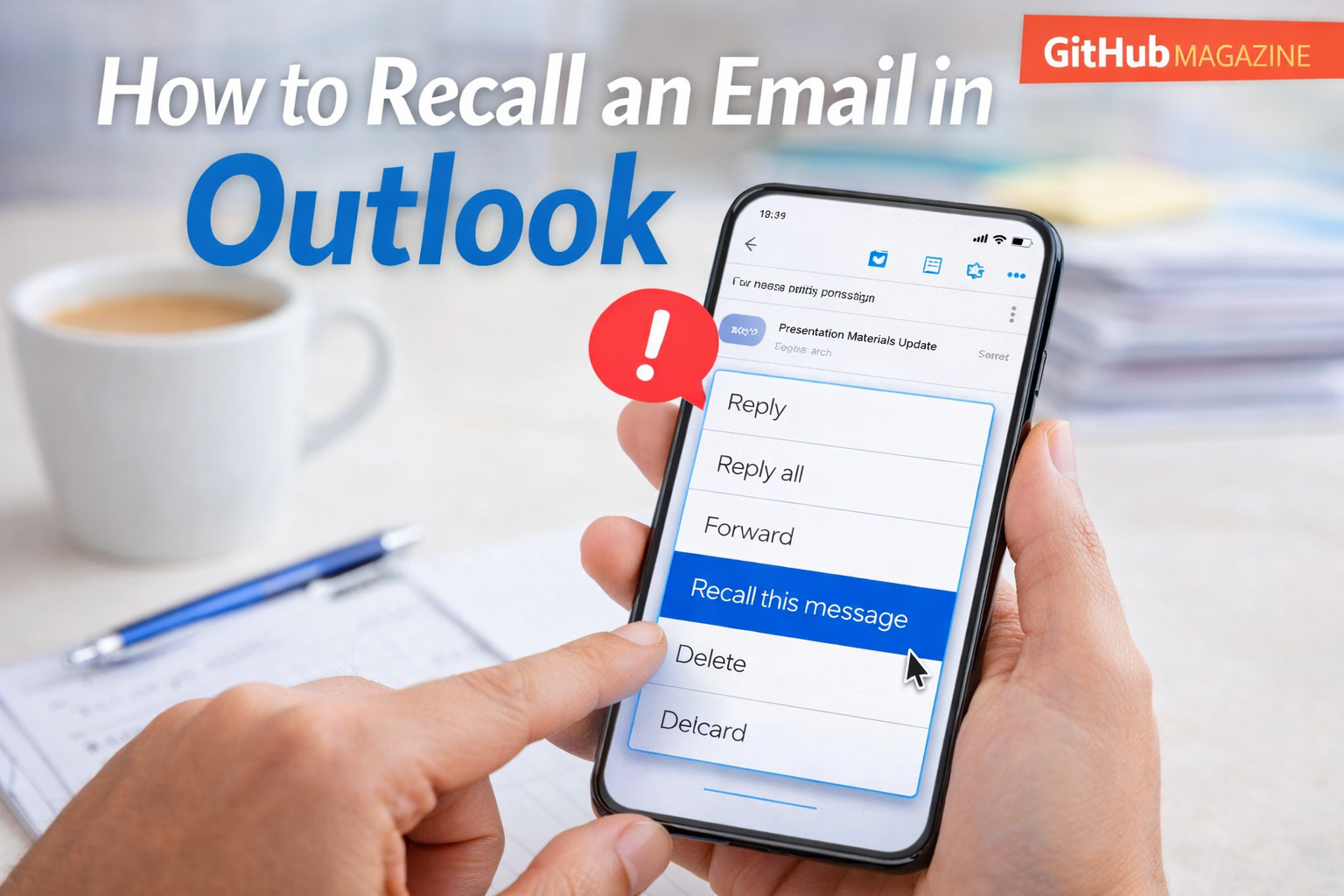
How to Recall an Email in Outlook
I have noticed that the most stressful moment in modern office communication often happens immediately after clicking the “Send” button. Within seconds, many people realize something is wrong. Perhaps the email went to the wrong recipient, a critical attachment was forgotten, or a sentence sounded harsher than intended. In Microsoft Outlook, the recall email feature attempts to solve this problem by allowing users to retrieve or replace a sent message under certain conditions.
If you want to recall an email in Outlook, the process involves opening the message in the Sent Items folder and selecting the recall option. Outlook then attempts to remove the unread message from the recipient’s inbox or replace it with a corrected version. This functionality works primarily within organizations that use Microsoft Exchange or Microsoft 365 email systems.
The idea seems simple, yet the feature is more complicated than many people expect. Email recall is not the same as “unsending” a message. Instead, it sends a request to the recipient’s mailbox asking the server to delete the original email before it is read.
This small feature reflects a larger truth about digital communication. Email has become the backbone of modern professional interaction, yet it still depends on human attention and judgment. When those fail, tools like Outlook recall attempt to provide a brief window for correction before a mistake becomes permanent.
Understanding how recall works, when it fails, and why it exists reveals much about the evolving nature of communication in the digital workplace.
The History of Email Recall in Outlook
I often look at the development of Outlook recall as part of a broader story about how enterprise email evolved. When Microsoft introduced Outlook during the 1990s as part of the Microsoft Office suite, email was rapidly becoming the primary communication method for businesses around the world.
With the growth of corporate email systems came a predictable problem: mistakes. Employees sent incomplete emails, forgot attachments, or mistakenly included the wrong recipients. Because email messages were stored and archived, even small errors could become lasting records.
To address this challenge, Microsoft developed the message recall feature within Exchange Server environments. The idea was to allow senders to retract unread messages from recipients’ inboxes or replace them with corrected versions.
At the time, this feature represented an important innovation. Traditional email systems offered no way to correct a mistake after sending. Once an email left the outbox, it became permanent.
Outlook recall changed that dynamic slightly by introducing the possibility of recovery. While the system never guaranteed success, it provided organizations with a practical safeguard against common communication errors.
As Microsoft expanded its cloud services through Microsoft 365, the recall system continued evolving to support new versions of Outlook across desktop, web, and mobile platforms.
Understanding How Email Recall Actually Works
When I explain Outlook recall to users, the most important point is that the feature does not literally undo a sent email. Instead, it works through a recall request that the email server processes.
After the sender activates recall, Outlook sends a request to the recipient’s mailbox asking the system to delete the original message if it has not yet been opened. If the message remains unread in the inbox, the server may remove it successfully.
If the recipient has already opened the message, however, the recall request usually fails. In many cases, the recipient may even receive a notification indicating that the sender attempted to recall the email.
This process depends heavily on the infrastructure of Microsoft Exchange or Microsoft 365 servers. Both sender and recipient typically must belong to the same organizational email environment for recall to function properly.
Another factor involves mailbox rules. If the recipient’s email system automatically moves messages to folders, the recall process may fail because the message is no longer located in the inbox.
These technical details explain why recall sometimes succeeds perfectly and other times appears ineffective.
Common Reasons People Recall Emails
The recall feature exists because mistakes in professional communication are inevitable. In my experience observing workplace communication patterns, several situations consistently lead people to use the recall option.
| Situation | Reason for Recall | Typical Outcome |
|---|---|---|
| Missing attachment | File mentioned but not included | Replace message |
| Wrong recipient | Email sent to unintended person | Attempt deletion |
| Incorrect data | Numbers or information inaccurate | Replace message |
| Confidential content | Sensitive information sent accidentally | Attempt deletion |
| Typographical errors | Message wording unclear or embarrassing | Replace message |
These situations illustrate how email functions as both a communication tool and an official record. Once an incorrect message enters the system, it can influence decisions, create confusion, or affect professional relationships.
Recall attempts to prevent those outcomes by allowing the sender to correct mistakes before they are widely read.
Steps for Recalling an Email in Outlook
When I guide users through the recall process, the procedure is relatively straightforward but must be performed quickly.
| Step | Action | Explanation |
|---|---|---|
| 1 | Open Sent Items | Locate the email that needs correction |
| 2 | Open the message | Double-click the email to open it fully |
| 3 | Select Actions | Choose the recall option from the menu |
| 4 | Choose recall type | Delete unread message or replace it |
| 5 | Confirm request | Outlook sends the recall attempt |
After completing these steps, Outlook may provide a recall report indicating whether the attempt succeeded or failed for each recipient.
Timing plays a crucial role in this process. The sooner the recall request is sent, the greater the chance that the email remains unread and removable.
Technical Limitations of the Recall Feature
Despite its usefulness, Outlook recall has several significant limitations. I often emphasize these limitations because many users expect the feature to function like an instant undo button.
First, recall typically works only within the same organizational email system. Messages sent to external providers such as Gmail or Yahoo cannot be recalled once delivered.
Second, recall fails if the recipient has already opened the email. At that point the message has already been viewed and cannot be removed.
Third, email rules may move the message to a different folder before the recall request arrives, making it impossible for the system to locate the original message.
Fourth, recall attempts can sometimes draw attention to the mistake. If recipients receive notification that an email was recalled, they may become curious about the original message.
Because of these limitations, many IT administrators treat recall as a convenience feature rather than a reliable method for correcting critical communication errors.
Improvements in Microsoft 365 Cloud Recall
In recent years Microsoft improved the recall system within Microsoft 365 by introducing a cloud-based processing model. Instead of relying entirely on the sender’s Outlook application, recall requests are now handled by Exchange Online servers.
This shift allows the recall process to function across different Outlook clients including desktop, web, and mobile versions. Cloud processing also increases the speed at which recall requests reach recipient mailboxes.
Another improvement involves recall status reporting. Modern Outlook environments provide clearer notifications showing whether the recall succeeded, failed, or remains pending.
These enhancements reflect the broader transformation of workplace software. As communication platforms migrate to cloud infrastructure, centralized services can manage complex tasks more efficiently than individual desktop applications.
Even with these improvements, however, recall still depends on specific technical conditions and cannot retrieve messages that have already been read.
The Human Side of Email Errors
The existence of email recall highlights something deeply human about digital communication. Email encourages speed. Messages are written quickly during meetings, between tasks, or under deadline pressure.
This speed creates an environment where mistakes are almost unavoidable. A missing attachment, a misaddressed message, or a poorly phrased sentence can appear within seconds.
Communication researchers often note that digital tools compress the time between thought and action. When sending an email requires only a single click, reflection can easily fall behind.
Recall functions as a technological acknowledgment of this reality. Instead of assuming users will always communicate perfectly, modern systems include mechanisms for correcting mistakes.
The feature does not eliminate errors, but it provides a brief window for repair.
Alternatives to Email Recall
Because recall cannot guarantee success, many organizations encourage preventative methods instead. These approaches aim to stop mistakes before they happen.
One common solution is the “Undo Send” feature. This option delays email delivery for several seconds after the sender clicks send, allowing the user to cancel the message before it leaves the system.
Another strategy involves delayed sending rules that hold outgoing emails for a short period. During that time, users can review their messages and correct errors.
Simple behavioral habits also help reduce mistakes. Reviewing recipient lists, confirming attachments, and rereading subject lines before sending can prevent many problems.
These practices reinforce a simple principle: preventing errors is often easier than correcting them afterward.
The Future of Correctable Communication
When I think about the future of workplace communication, I suspect that tools like email recall represent only the early stages of error correction technology.
Modern collaboration platforms such as messaging apps already allow users to edit or delete messages after sending them. These systems treat communication more like conversation than permanent documentation.
Email, by contrast, remains structured around formal records and archived correspondence. Because of this structure, full reversibility is difficult.
However, emerging technologies may help reduce mistakes. Artificial intelligence tools could detect missing attachments, flag potentially incorrect recipients, or warn users about sensitive information before emails are sent.
Such systems would transform recall from a reactive solution into a proactive safeguard.
Takeaways
- Outlook email recall attempts to remove or replace messages sent by mistake.
- The feature works primarily within Microsoft Exchange or Microsoft 365 environments.
- Recall succeeds only if the recipient has not yet opened the email.
- Cloud-based improvements have increased the reliability of recall attempts.
- Preventative tools such as Undo Send often provide more dependable protection.
- Email recall highlights how digital communication systems adapt to human error.
Conclusion
I see Outlook’s recall feature as a reminder that technology often evolves to compensate for human habits. Email may appear instantaneous and efficient, but behind every message is a person making decisions quickly in a busy environment.
Recall offers a second chance during those moments when speed leads to mistakes. When it works, it can quietly remove an incorrect message or replace it with a corrected one before confusion spreads.
Yet the feature’s limitations also reinforce a deeper lesson about digital communication. Once information enters the network, it becomes difficult to retrieve completely. Email remains one of the most permanent forms of workplace communication.
For that reason, recall should be viewed not as a guarantee but as a helpful safeguard. The most reliable protection still comes from careful writing, thoughtful review, and a brief pause before pressing send.
In a world defined by instant communication, that pause may be the most powerful tool of all.
FAQs
Can Outlook recall emails sent outside an organization
No. Outlook recall generally works only when both sender and recipient use the same Microsoft Exchange or Microsoft 365 email environment.
What happens if the recipient already opened the email
If the message has already been read, the recall request usually fails and the original email remains visible.
Will recipients know that I recalled an email
In many cases Outlook sends a notification indicating that the sender attempted to recall the message.
Is recalling an email guaranteed to work
No. Success depends on several conditions including unread status, inbox location, and organizational email configuration.
What is the difference between recall and undo send
Recall attempts to remove a delivered message, while undo send delays sending so the sender can cancel before delivery.

Related Posts

SOA OS23 Explained Across Technology and Construction

Sesame Motor CEO Profile and Industrial Strategy