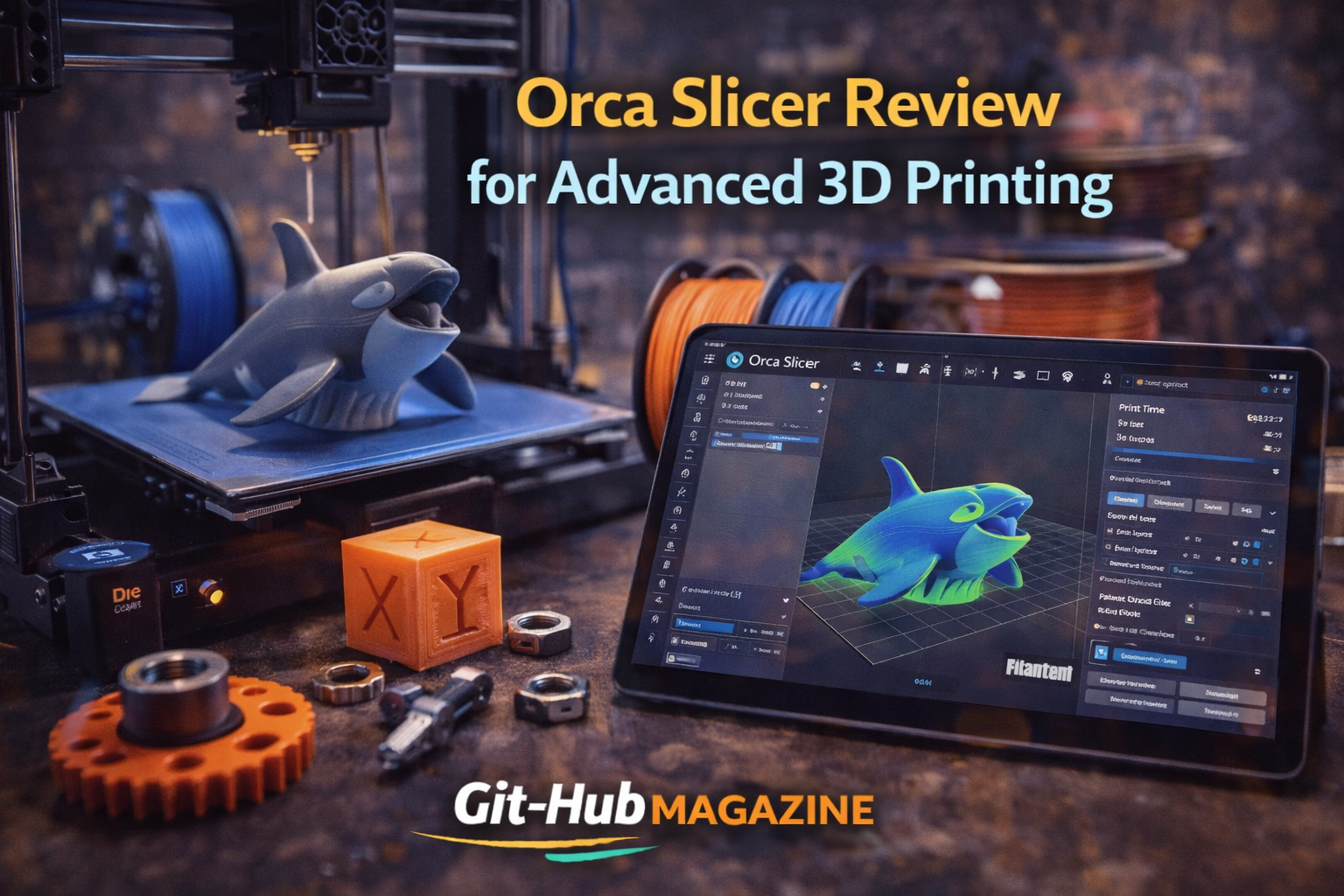
Orca Slicer Review for Advanced 3D Printing
Orca Slicer is an open source 3D printing slicer designed to convert 3D models into optimized G code for FDM printers, with a strong emphasis on calibration, flow control and high speed performance. Built as a fork of Bambu Studio and influenced by PrusaSlicer, it has quickly gained traction among enthusiasts and professionals who demand precision beyond default presets.
From my experience testing slicers across multiple printer architectures, Orca Slicer stands out because it treats calibration not as an afterthought but as a central workflow. Users searching whether Orca Slicer is better than Cura or PrusaSlicer will find that its strength lies in integrated testing modules, refined pressure advance tuning and detailed filament management. It caters particularly well to high speed CoreXY printers and performance focused hobbyists.
On Git-HubMagazine.com, where we explore open source ecosystems, development culture and engineering tools, Orca Slicer fits squarely within our Technology and Developer Innovation categories. It represents what happens when open collaboration intersects with hardware acceleration trends in desktop manufacturing.
The Evolution of Modern Slicers
Slicing software sits at the core of desktop 3D printing. It transforms STL or 3MF files into G code instructions that control temperature, extrusion rate, movement speed and cooling behavior. Early tools offered limited customization, but as printers improved, slicers became more sophisticated.
Slic3r introduced open configurability over extrusion widths and infill patterns. PrusaSlicer expanded support structures and multi material workflows. Cura prioritized accessibility and plugin driven expansion.
Orca Slicer enters this ecosystem not as a beginner tool but as a precision instrument. It builds upon Bambu Studio’s performance oriented architecture while restoring and enhancing advanced manual controls. For users who crave transparency in print behavior, this combination becomes compelling.
Within the Git-HubMagazine.com editorial lens, Orca Slicer illustrates the power of iterative open source forks. Rather than fragmenting innovation, the fork refined it.
Origins and Development Philosophy
Orca Slicer emerged in 2023 as developers sought greater flexibility than what stock Bambu Studio provided. While Bambu Lab printers introduced unprecedented speed and automation, some advanced users wanted deeper calibration control and broader printer compatibility.
The fork retained core architecture but expanded calibration utilities, refined user interface elements and improved cross firmware adaptability. Development occurs publicly, with issue tracking and feature proposals visible to contributors.
This openness aligns with the collaborative ethos often highlighted in our Developer and Open Source coverage at Git-HubMagazine.com. Code transparency encourages experimentation. Contributors test new algorithms, propose refinements and debate parameter stability in real time.
The philosophy behind Orca Slicer reflects a shift in desktop fabrication. Makers are no longer satisfied with preset profiles. They demand scientific tuning integrated directly into their slicing environment.
Calibration as a Built In Workflow
One of Orca Slicer’s most defining characteristics is its integrated calibration suite. Temperature towers, pressure advance tests and volumetric flow assessments can be generated directly inside the interface.
Instead of relying on external scripts, users select predefined calibration routines. The slicer then produces structured test prints that help identify optimal extrusion temperatures and flow limits. This reduces trial and error cycles.
Pressure advance tuning is particularly important for high speed printing. During acceleration, filament pressure builds inside the nozzle. Without compensation, this leads to inconsistent extrusion. Orca Slicer simplifies adjustment by visualizing performance differences across test segments.
This approach reflects a broader trend toward automation without sacrificing control. It transforms calibration from a technical hurdle into a guided process.
Feature Comparison with Leading Slicers
Below is a comparative overview of Orca Slicer alongside other popular tools:
| Feature | Orca Slicer | PrusaSlicer | Cura |
|---|---|---|---|
| Open Source | Yes | Yes | Yes |
| Integrated Calibration Tests | Extensive | Moderate | Limited |
| Advanced Flow Control | Detailed | Detailed | Partial |
| Plugin Ecosystem | Growing | Moderate | Extensive |
| Native High Speed Optimization | Strong | Moderate | Variable |
This table illustrates Orca Slicer’s competitive positioning. While Cura dominates in plugin flexibility, Orca emphasizes internal precision tools. PrusaSlicer maintains strong structural features, but Orca advances calibration depth.
For readers of Git-HubMagazine.com focused on engineering workflows, this distinction matters. Tool selection increasingly depends on performance optimization needs rather than interface simplicity.
Filament and Flow Management
Orca Slicer enhances filament profiling with granular control over maximum volumetric speed, cooling constraints and extrusion multipliers. These variables become critical when printing at speeds exceeding traditional desktop norms.
High throughput printing introduces challenges such as filament overheating and under extrusion. By defining volumetric ceilings within filament profiles, Orca helps prevent these failures before they occur.
The slicer also integrates improved support generation algorithms, layer modification tools and per object parameter overrides. Such flexibility allows mixed material experiments and fine tuned surface finishes.
This level of configurability reinforces Orca Slicer’s appeal among advanced users who value experimental control. It reflects the intersection of maker culture and engineering discipline.
Timeline of Growth and Adoption
Orca Slicer’s development has accelerated rapidly since release.
| Year | Milestone |
|---|---|
| 2023 | Initial public release |
| 2023 | Launch of automated calibration modules |
| 2024 | Broader third party printer compatibility |
| 2024 | Performance optimization updates |
| 2025 | Increasing adoption across maker communities |
Community forums and repository activity indicate consistent iteration. Feedback cycles are short. Bugs are addressed publicly. Feature discussions often include real world print results shared by users.
This pattern exemplifies open source velocity. Innovation unfolds in public view rather than behind corporate walls.
Community Driven Governance
Unlike proprietary slicers tied tightly to specific hardware vendors, Orca Slicer thrives on distributed contribution. Maintainers coordinate updates, but users actively participate in refining features.
On Git-HubMagazine.com, we frequently highlight how open collaboration reshapes engineering tools. Orca Slicer offers a live case study. Feature branches evolve from community requests. Documentation improves through shared knowledge.
This governance model does introduce variability. Rapid updates sometimes introduce instability. Yet users often accept that tradeoff in exchange for cutting edge functionality.
The broader implication is clear: modern manufacturing software is increasingly shaped by participatory development rather than top down design.
Industrial and Educational Impact
While Orca Slicer primarily targets desktop enthusiasts, its influence extends into educational labs and prototyping workshops. Faster calibration reduces material waste. Accurate pressure compensation improves surface finish quality.
In classrooms, structured calibration modules provide teachable moments. Students learn not just how to print but how extrusion physics affects outcomes.
Small design studios also benefit from reduced iteration cycles. When hardware costs drop and software precision increases, additive manufacturing becomes viable for small batch production.
Orca Slicer contributes to that shift by lowering the barrier between experimentation and reliability.
Challenges and Competitive Pressure
Despite its strengths, Orca Slicer faces challenges. Cura maintains a vast plugin ecosystem and long established user base. PrusaSlicer continues refining organic supports and paint on seam tools.
Compatibility across diverse firmware variants can occasionally create configuration complexity. Beginners may find the calibration options overwhelming at first glance.
Yet competition drives refinement. Orca’s focus on scientific tuning pressures other slicers to integrate similar features. The ecosystem benefits as standards rise collectively.
From a Git-HubMagazine.com perspective, this rivalry demonstrates healthy open source competition where innovation spreads through iteration.
Key Takeaways
- Orca Slicer emerged in 2023 as an advanced fork emphasizing calibration precision
- It integrates automated tests for temperature, pressure advance and volumetric flow
- Open source governance enables rapid iteration and community input
- It competes directly with Cura and PrusaSlicer in performance focused workflows
- Filament profiling and high speed optimization distinguish its capabilities
- Educational and prototyping environments benefit from its structured tuning approach
Conclusion
Observing Orca Slicer’s trajectory, I see a broader story about how open collaboration reshapes hardware ecosystems. Slicing software once focused on convenience. Today it emphasizes scientific precision and high throughput optimization.
Orca Slicer captures that transition. It empowers users to understand extrusion physics, manage filament limits and push printer performance safely. Its community driven development model aligns closely with the ethos we cover at Git-HubMagazine.com, where open innovation defines technological progress.
As desktop printers grow faster and materials more complex, slicers must evolve accordingly. Orca Slicer stands at that frontier, not merely refining print settings but redefining how calibration integrates into everyday workflows.
FAQs
What makes Orca Slicer different from Cura?
Orca Slicer integrates built in calibration modules and advanced pressure advance tuning, while Cura emphasizes plugin flexibility and ease of use.
Is Orca Slicer suitable for beginners?
It can be used by beginners, but its extensive calibration tools are particularly valuable for advanced users seeking precision.
Does Orca Slicer support non Bambu printers?
Yes. Although derived from Bambu Studio, it supports a wide range of third party FDM printers.
Why is calibration important in 3D printing?
Calibration ensures consistent extrusion, accurate dimensions and improved surface quality, especially at high speeds.
Is Orca Slicer actively developed?
Yes. It benefits from active community contributions and frequent updates through open source collaboration.